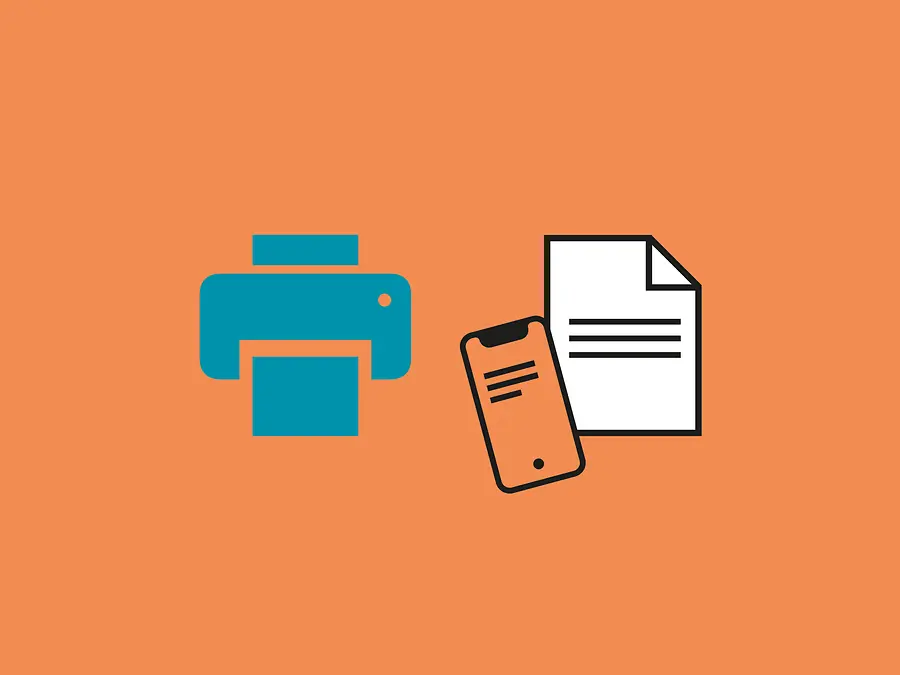
TA Mobile Print connects smartphones, tablets and laptops to the multifunction printers (MFPs) in a
printer network. The free app makes it possible to print documents that you have scanned yourself or other documents from your mobile device. TA Mobile Print allows you to:
The app works just as reliably on iOS as it does on Android and is updated regularly. However, TA Mobile Print only interacts with
multifunction printers and office printers made by TA Triumph-Adler. A list of compatible printing systems can be found at the bottom of this page.
The list of supported file formats includes BMP, HTML (iOS only), JPG, PNG, PDF, TIFF, TXT and XPS. On iOS devices, you can also print RTF files and all file types from iWork (Keynote, Numbers and Pages), Microsoft Office (Word, PowerPoint and Excel) and Google Drive (Docs, Sheets and Slides). Files can be scanned in JPG, TIFF and PDF formats.
The app can support Normal, Draft and High print quality (black and white models only). The available paper sizes are Letter, Legal, Ledger, Statement, A3, A4, A5, A6, Folio, B4, B5, B6 and Hagaki. You can also specify the number of copies to print, the number of pages per sheet and the page range. Other options in the print settings depend on the model. If you have any further questions, these
FAQs should not leave you wanting for an answer!