Scanning

Digital document management begins with scanning: Paper documents are converted into electronic documents at the MFP. But much more happens during scanning.
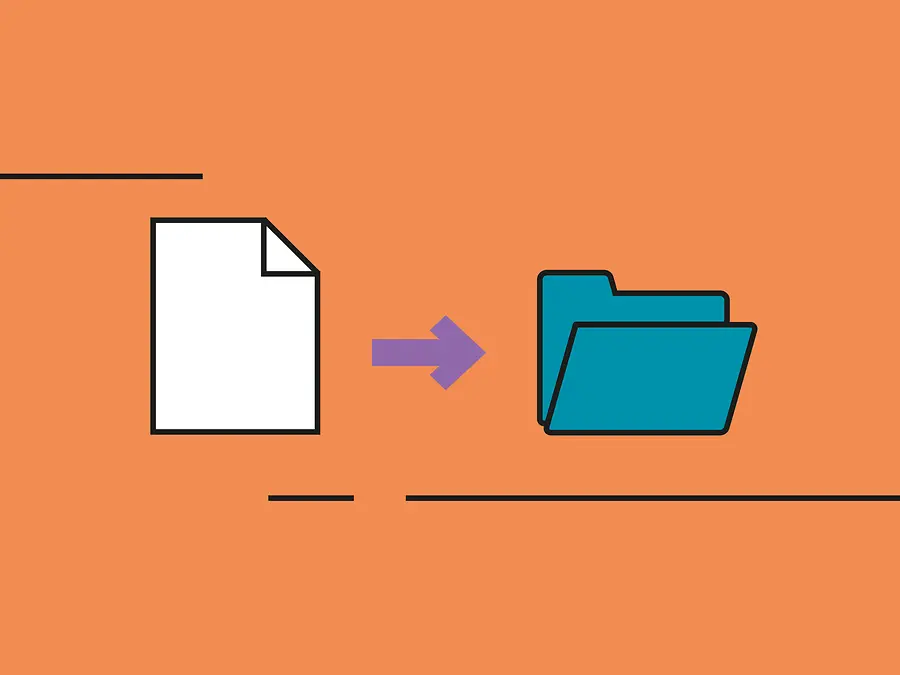
Paper will not disappear from offices for as long as invoices and delivery notes continue to arrive by post. This is a hindrance for companies that want to digitise their processes in order to ensure efficiency, transparency and more convenient workflows. So what can be done? It's simple: paper documents are scanned (and thus digitised) immediately and automatically filed in the correct folders so that staff can access them directly. TA Triumph-Adler has the ideal solution for this: ScannerVision.

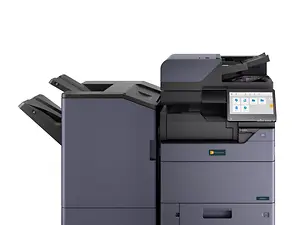
When equipped with ScannerVision, a multifunction printer (MFP) becomes an intelligent document manager that can capture, edit and distribute documents. ScannerVision makes sure that invoices and contracts, for example, are filed in a well-structured way and can be found easily. The universal workflow solution converts scans into editable files in Word or Excel, for example. This digitised data can easily be processed and managed in databases and in DMS or ECM systems. ScannerVision also recognises and processes barcode content and guarantees secure and encrypted data transmission. The menu navigation for scanning is simple and intuitive.

How does ScannerVision work?

ScannerVision can do all of this - and more. With the additional functions of ScannerVision, further workflows can be set up with minimal investment of time and effort. For instance, this allows scanned documents to be uploaded directly to a variety of web servers, online web services and third-party applications. Metadata is filtered automatically, but can also be configured individually. Metadata includes creation date and time, but also contents of the document.

One of ScannerVision's most powerful features is metadata-dependent intelligent routing. This allows the destination of the scan to be determined by its content. To illustrate this with an example: If a barcode identifies that the document is a contract, it is saved in the network folder "Contracts" - and the legal department receives a copy by e-mail.

You might also be interested in:

Workflows

From capturing and editing to saving and archiving, digital document management with ECM solutions ensures convenient workflows.

Fleet management

Multifunction printers are linked together in a printer fleet. A combination of the TA Cockpit® as the electronic control centre and aQrate software look after monitoring the fleet. They keep track of who prints, photocopies, faxes or scans on which device.
Fleet management TA Cockpit

Office printers and MFPs

Office printers used to be used for printing and copying. Today, the focus is shifting: When scanning, paper documents are transformed into digital ones and filed directly in the right folders. This makes MFPs the enablers of digital processes. Find out here which multifunction printers are best suited to your needs.
Office printers and MFPs